Course Features

A closer look inside the classroom — the AI tools, activities, and gamified milestones built into every course.

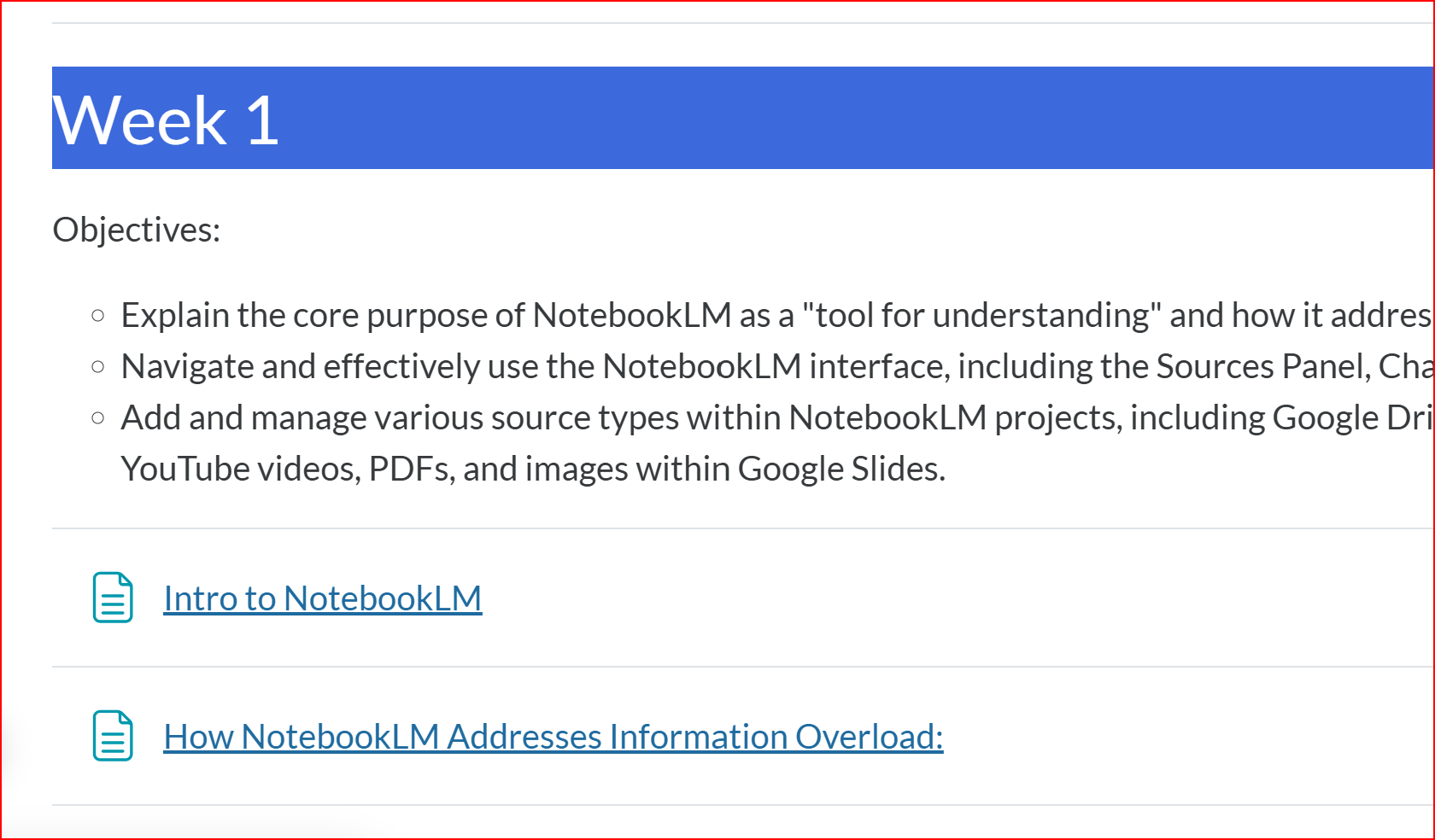
Screenshot of a Week 1 objectives page listing learning goals and linked lessons
Feature 01

Clear Course Objectives

Every week opens with a plain-language breakdown of exactly what you'll be able to do by the end of it, followed by the lessons and readings that get you there. No guessing what matters — the objectives tell you up front, and every activity in that week ties directly back to one of them.
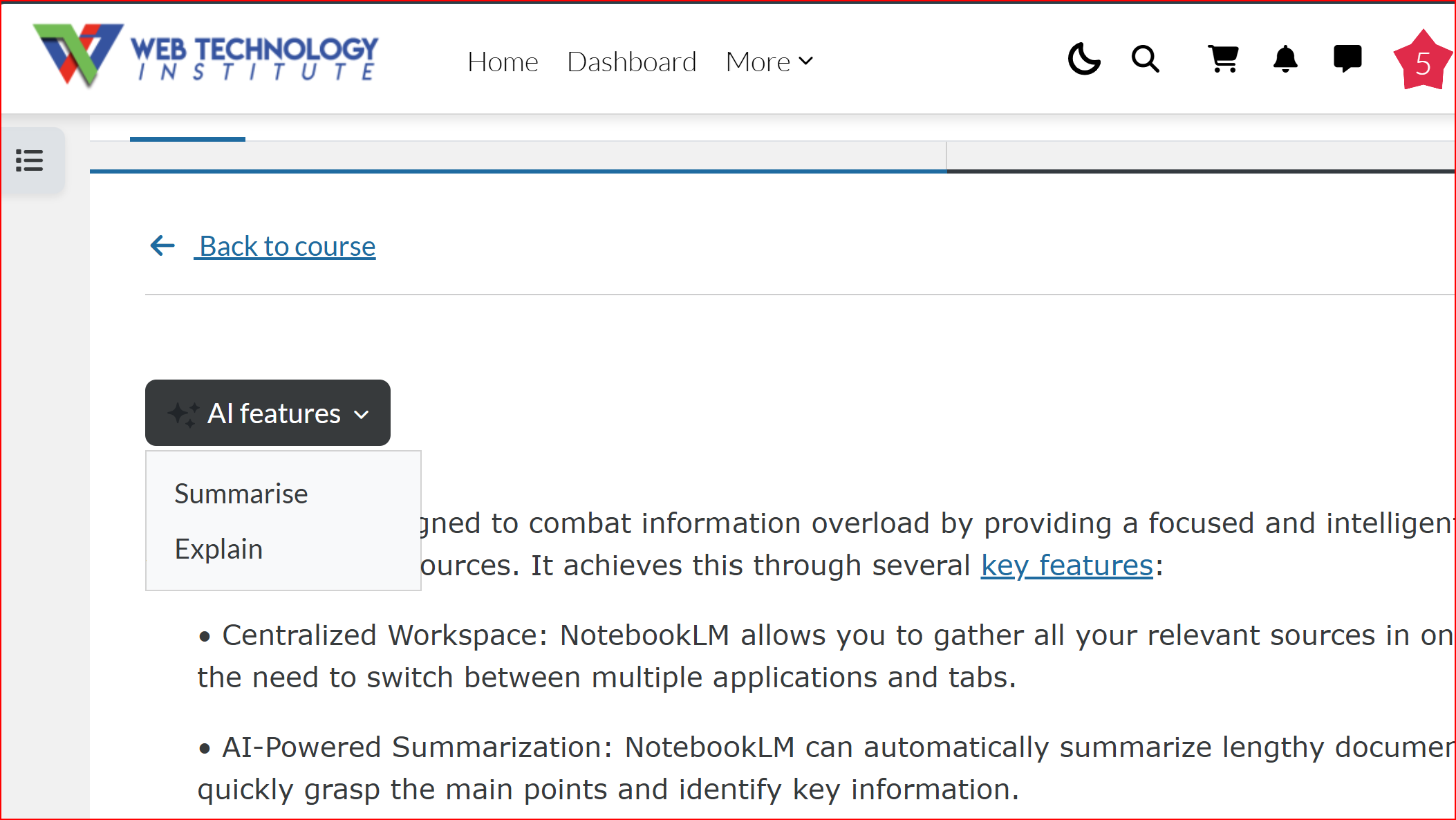
Screenshot of an AI features menu inside a lesson page with Summarise and Explain options
Feature 02

Built-In AI Summaries

Stuck on a dense reading? Every lesson page includes an AI features menu that can summarize or explain the content on demand. It's the same kind of AI assistance you're learning to build in this program, applied directly to your own coursework.

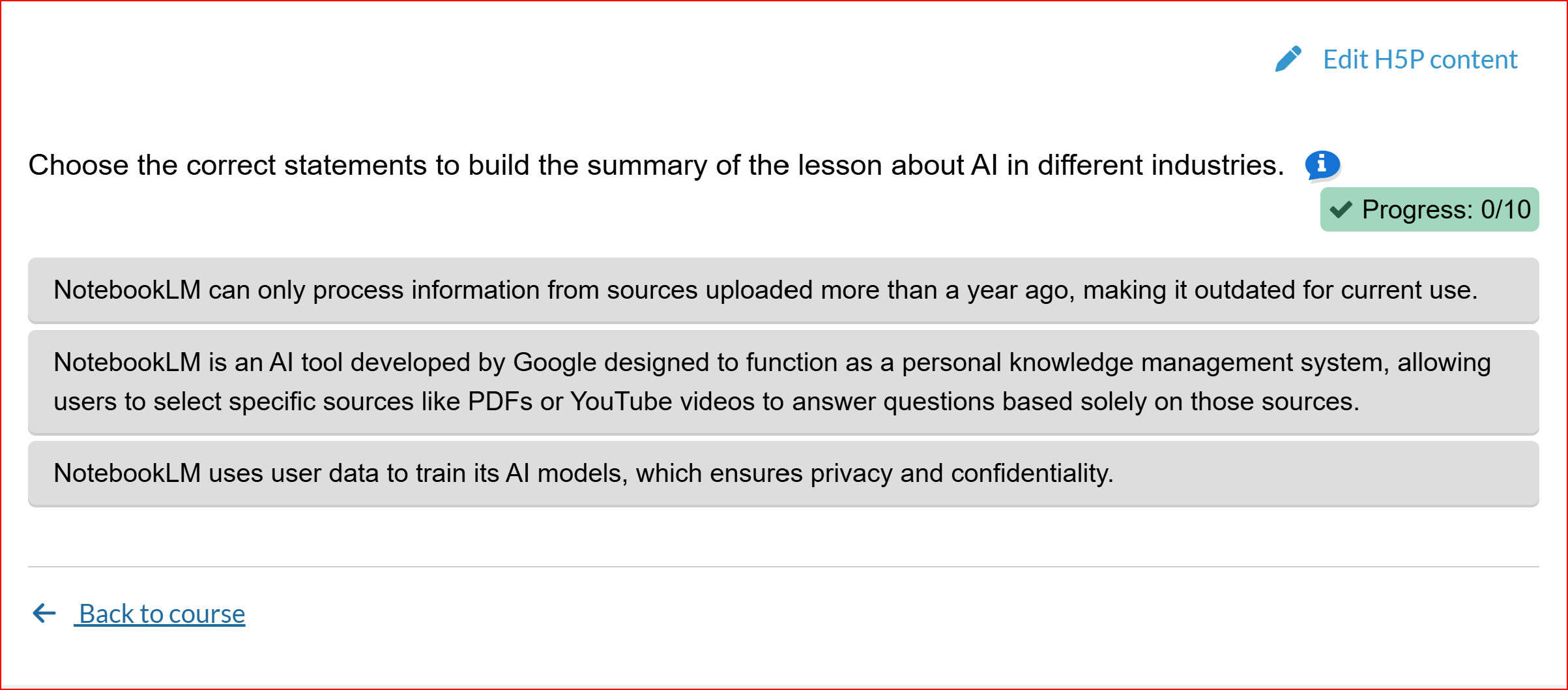
Screenshot of an interactive H5P activity where students select statements to build a lesson summary
Feature 03

Interactive Activities

Lessons aren't just text and video. Interactive activities ask you to build summaries, sort concepts, and apply what you just learned in the moment, with instant feedback and a visible progress tracker so you always know how you're doing.

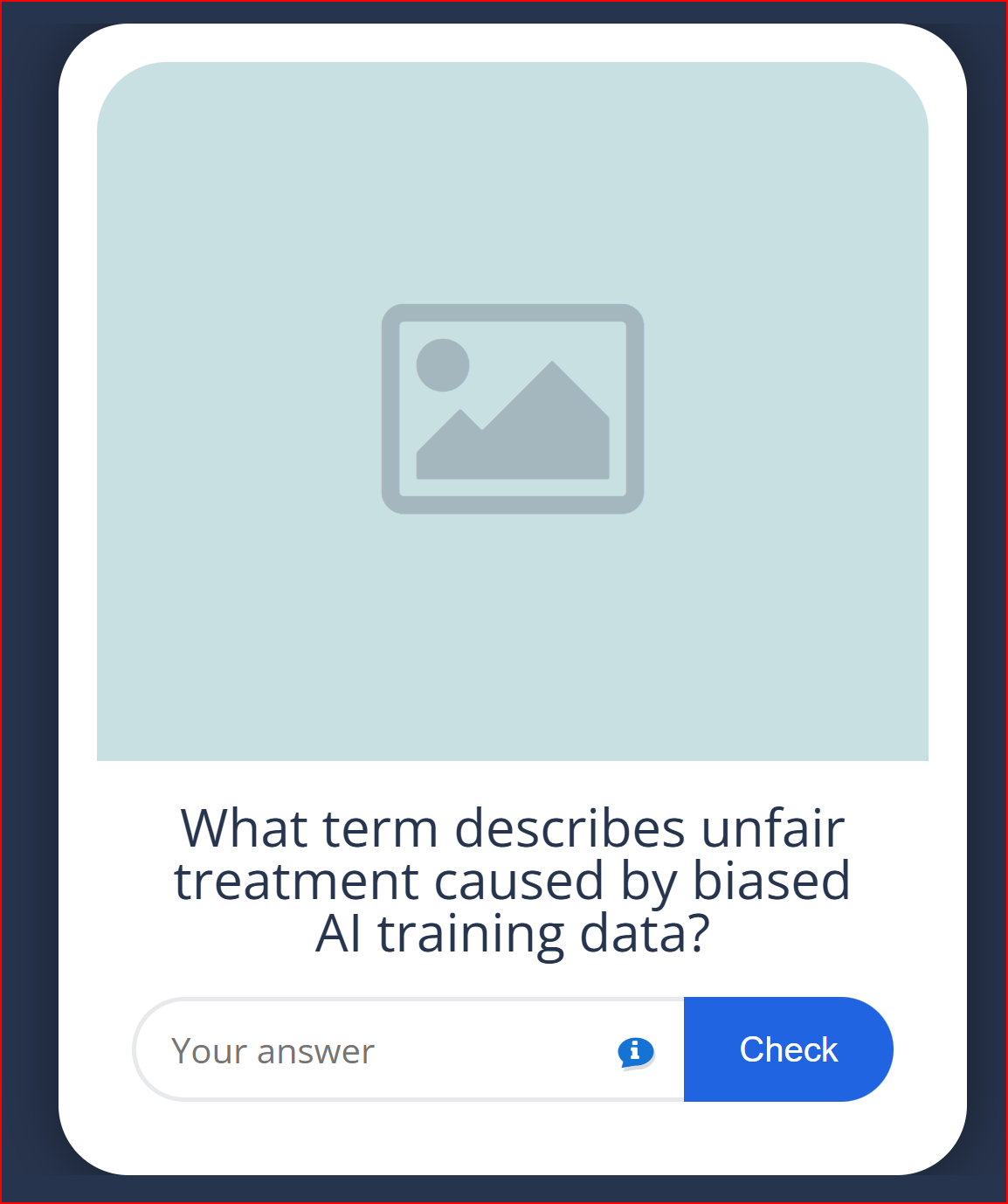
Screenshot of a flashcard-style quiz card asking a question about AI training data bias
Feature 04

Flashcard Review Sets

Key terms and concepts get their own quick-fire flashcard sets. Type your answer, get instant feedback, and move on — a fast, low-pressure way to lock in vocabulary like bias, tokens, or prompt patterns before the graded test covers them.

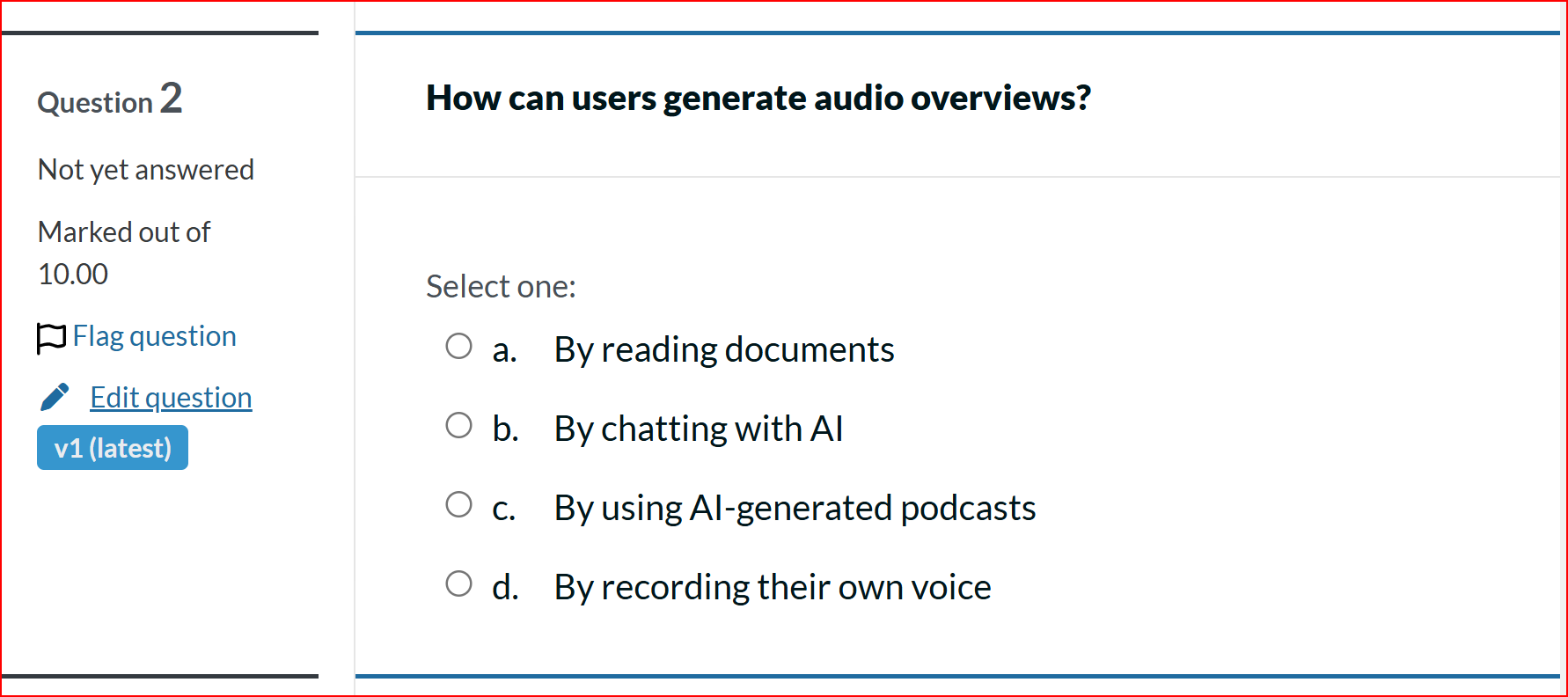
Screenshot of a graded multiple-choice quiz question about AI audio overviews
Feature 05

Graded Tests That Count

Each module ends with a graded quiz that checks whether the concepts actually stuck. Questions are drawn straight from the week's objectives, scores roll into your course total, and you can flag any question to revisit before you submit.

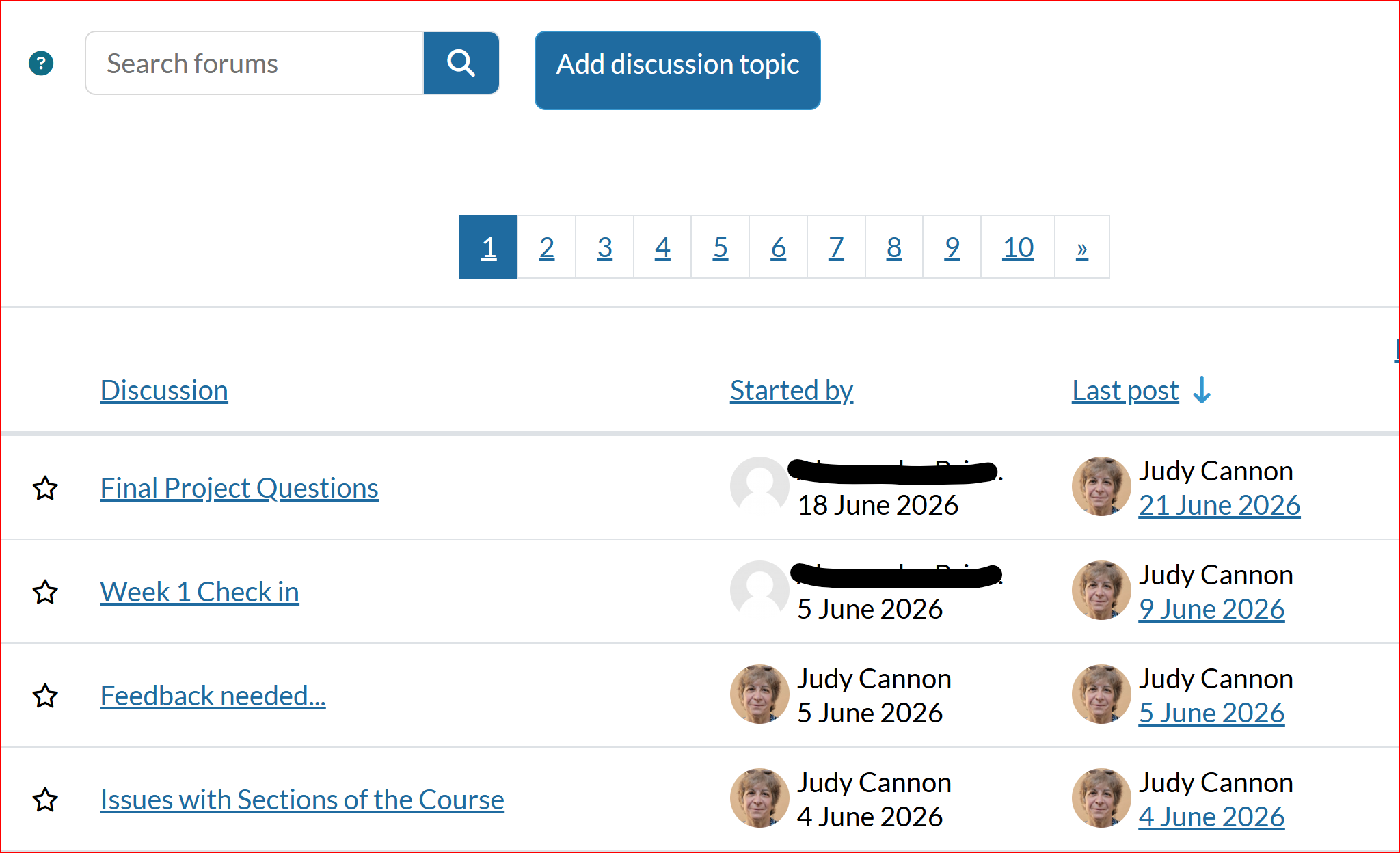
Screenshot of a class discussion forum with a list of student discussion topics
Feature 06

Active Class Forums

You're never learning in isolation. Weekly check-ins, feedback threads, and open Q&A discussions keep the class connected, and your instructor replies directly in the forum — so questions get answered instead of piling up.

Screenshot of a Level Up gamification badge awarded for course participation
Feature 07

Gamified Progress

Finishing lessons and activities earns you experience points and levels as you move through the course. It's a small nudge that turns a long certificate program into a series of visible wins, week after week.

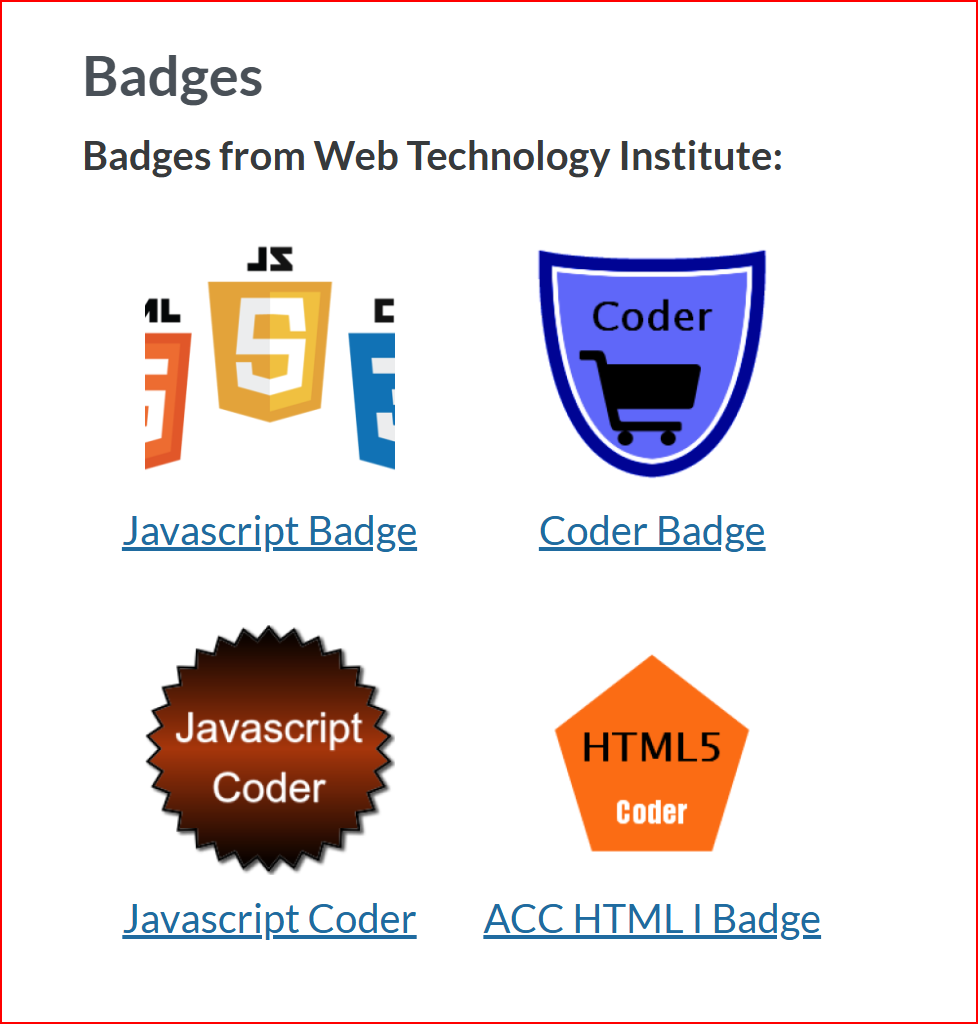
Screenshot of a badges page showing JavaScript, Coder, and HTML5 badges earned in the course
Feature 08

Badges You Actually Earn

Hit a skill milestone and you'll unlock a digital badge for it — JavaScript Coder, HTML5 Coder, and more. Every badge is tied to real, demonstrated skill, and they're yours to show off on a resume or LinkedIn profile long after the course ends.

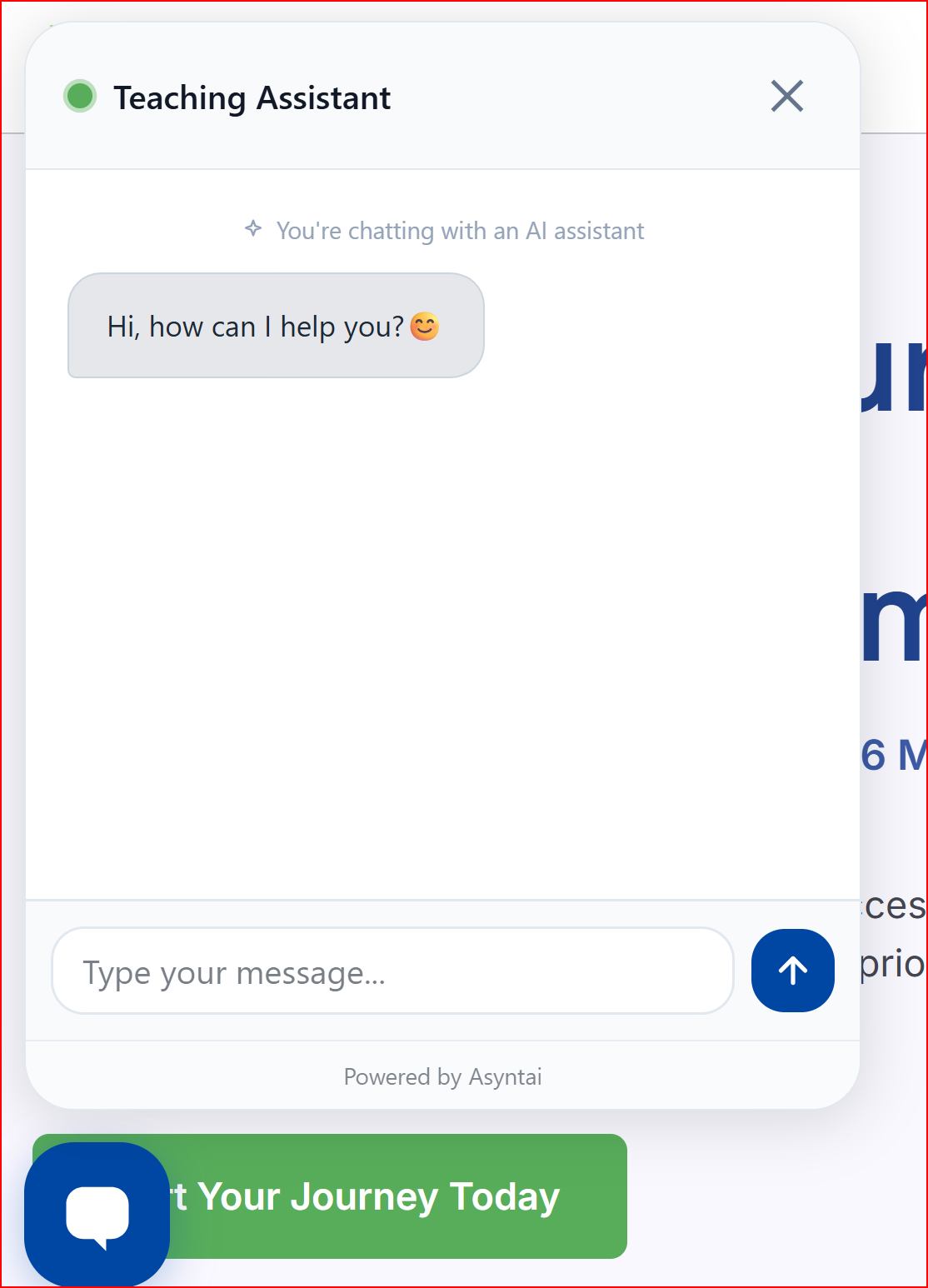
Screenshot of an AI teaching assistant chat widget offering to help a student
Feature 09

24/7 AI Teaching Assistant

Every course includes an AI chatbot assistant that's available around the clock. Ask it to clarify a concept, point you back to the right lesson, or walk through a tricky step — no waiting for office hours to get unstuck.

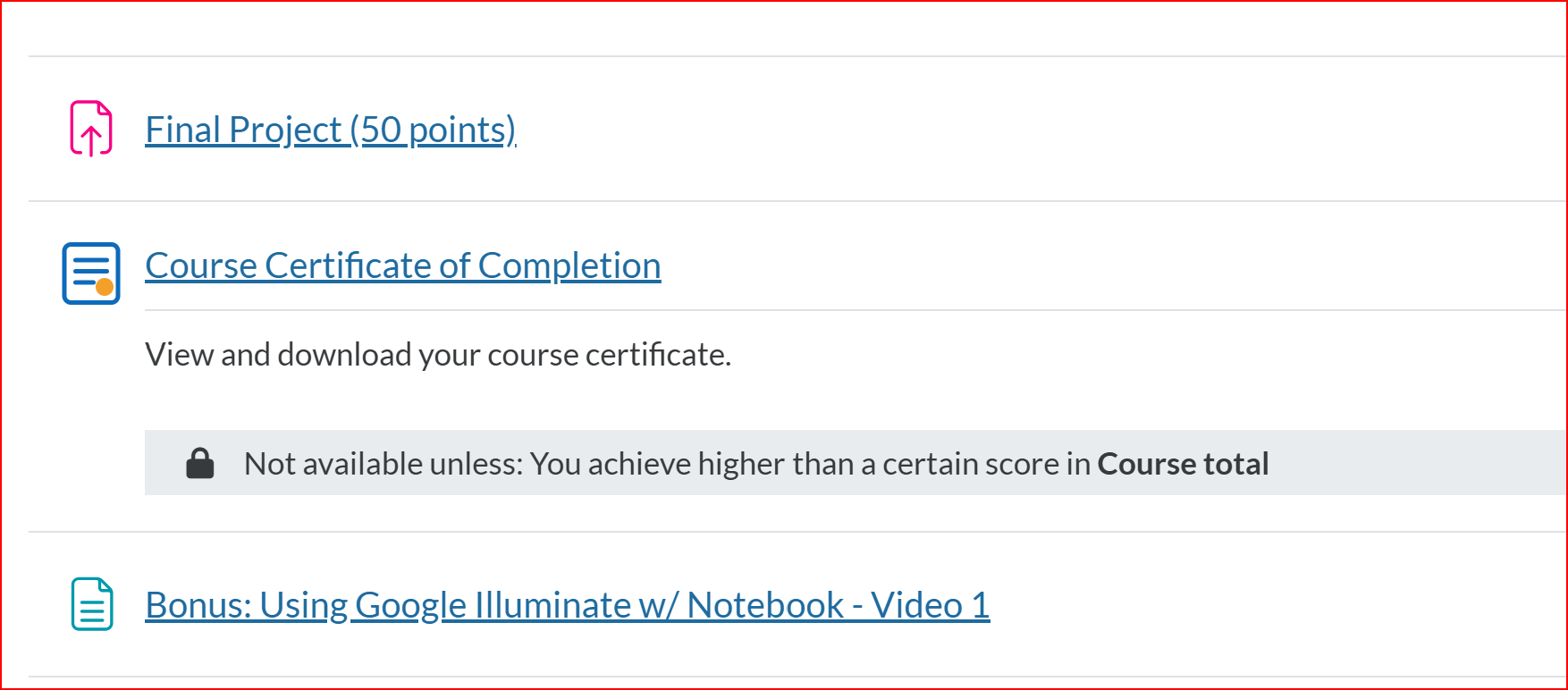
Screenshot of a final project submission link and course certificate of completion
Feature 10

A Final Project — And a Certificate

Every course wraps up with a hands-on final project that puts your new skills to work on something real, plus bonus video lessons you can keep. Pass the course total and you unlock your official certificate of completion, ready to download and share.

Ready to See It All in Action?

Enroll in the AI Developer Certificate Program and get every feature above from day one.

View Pricing & Enroll